Back to all insights

Interactive Design

Surreal image of a hand reaching upward out of a blue liquid splash, surrounded by droplets, against a vibrant pink and purple gradient background.
Redefining boundaries with interactive experiences

Director of Front-end Development Jenny Koeppel and Sr. Visual Designer Scott Deca discuss redefining boundaries through interactive experiences.

Designing an Interactive Experience

Software Engineer David Williams and Visual Designer Chris Hatfield on how they collaborated to create an interactive experience at the Toledo ADDY Awards.

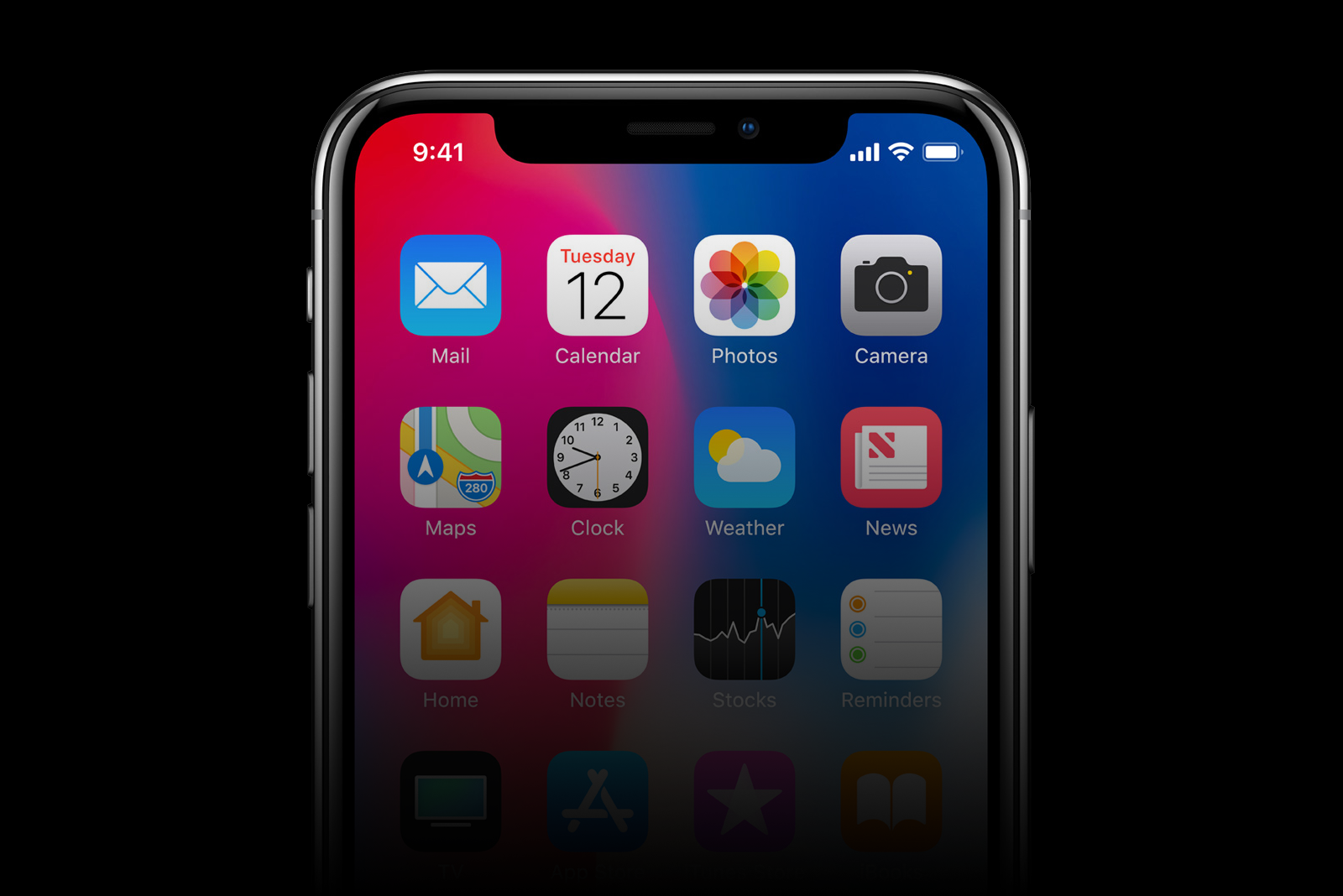
An iPhone home screen displaying app icons such as Mail, Calendar, Photos, Camera, Maps, Clock, Weather, and News against a colorful gradient background.
iPhone X: The devil is in the details

Director of Design Chas Ryder reviews the iPhone X and how it's noteworthy features impact design.

Smiling man with short hair and a beard, wearing a blue checkered shirt and a smartwatch, standing with arms crossed against a softly blurred indoor background.
What We Know Now: Chas Ryder

Career lessons from Director of Design Chas Ryder.

Close-up of a person’s eye with a digital, futuristic overlay.
Device Detection, Decoded

Director of Front-End Development Dave Rodriguez answers the question: "what is a phone?" through a developer's perspective in the device detection process.

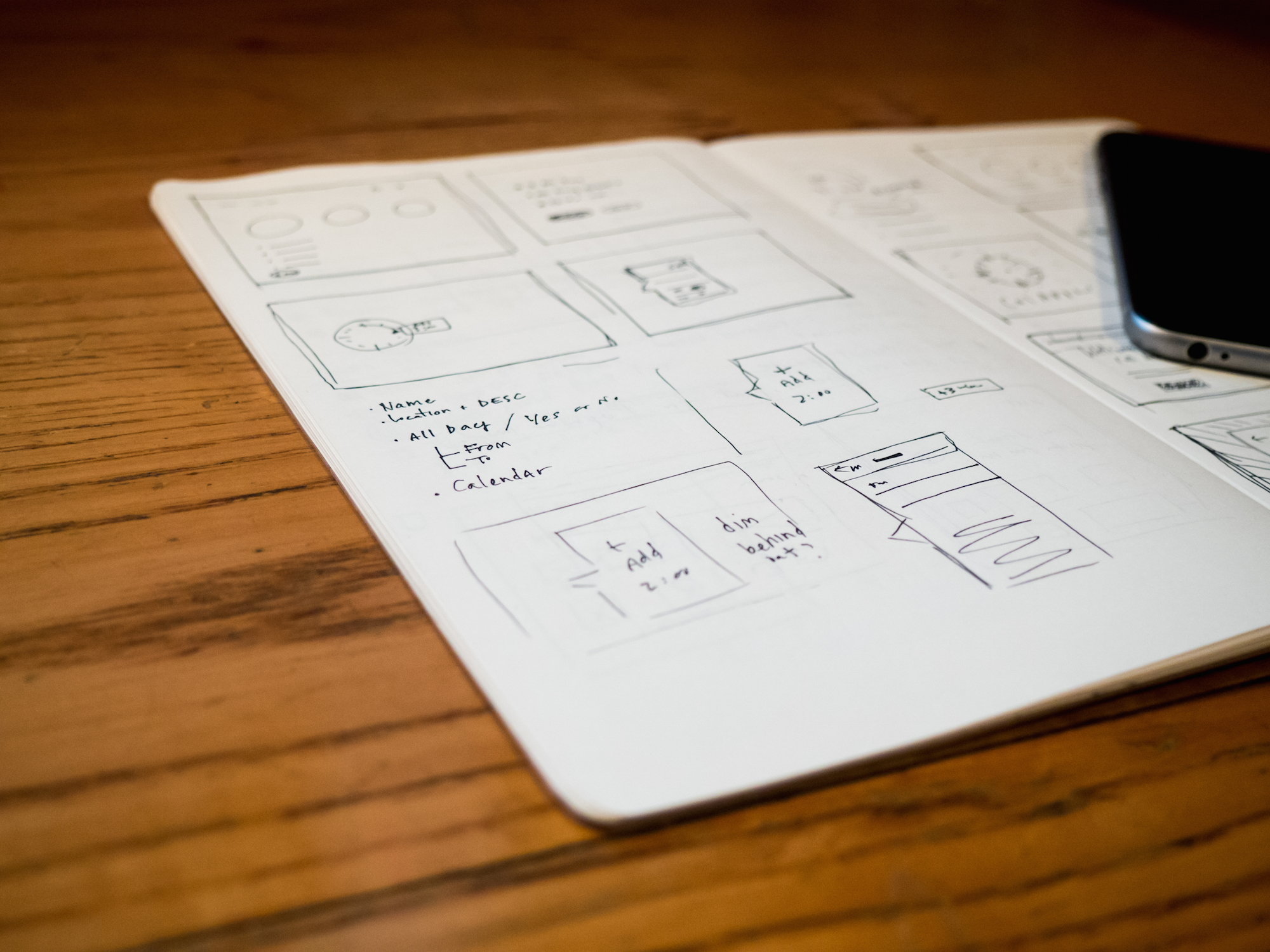
Notebook on a wooden table with hand-drawn wireframes and interface sketches, next to a smartphone.
Why We Design The Home Page Last

We make a case for designing the home page last with VP of Experience Innovation Mike Osswald.

Horizontal color scale transitioning from light gray on the left through pale yellows to bright yellow on the right, divided into uneven segments against a teal background.
Easing, Excessiveness, and Pace in Motion Design

Best practices for animation and what to avoid with Motion Designer Corey Kujawski.

Adobe Photoshop logo centered on a colorful abstract background, surrounded by icons representing media types such as audio, images, music, and charts.
Adobe Generator: Best Thing Since Sliced GIFs

We don’t usually discuss specific products on the blog, but a new feature of Adobe Photoshop CC called Generator has our team talking. Starting with version 14.1, Photoshop allows developers to directly export layers as graphic assets without having to slice, hide, nudge, copy or paste.

Dave Rodriguez of Hanson Inc. demonstrates why the front end design team is excited about the new Generator feature in Adobe Photoshop.

A smartphone displaying a contact page for Hanson Inc., with a large cartoon hand tapping the screen.
On Mobile Forms and Homer Simpson Fingers

There’s an old episode of The Simpsons where Homer, working from home, tries to call the nuclear plant to warn about a meltdown. As he dials, he hears the following recording: “The fingers you have used to dial are too fat. To obtain a special dialing wand, please mash the keypad with your palm now.”

Designing successful mobile forms is about removing as much data entry as possible and optimizing what remains so even Homer Simpson could fill them out.

Graphic of a sunrise over Earth with the text “beyond HTML5,” surrounded by various web technology icons.
Beyond “HTML5,” Part 3: The Future of the Open Web

So far in this blog series we’ve explored the meaning of “HTML5” and the road to the Open Web, and we’ve reviewed Open Web technologies supported by today’s browsers. Now it’s time to look at some exciting Open Web features that will shape the web of tomorrow, and their current alternatives...

What Open Web features are coming, and what are their current alternatives? Dave Rodriguez of Hanson Inc. concludes his 3-part blog series.

Graphic of a sunrise over Earth with the text “beyond HTML5,” surrounded by various web technology icons.
Beyond "HTML5," Part 2: Open Web Technologies You Can Use Today

In part 1 of this series, we discussed some myths and misconceptions about HTML5 and proposed the term “Open Web technologies” as a more accurate alternative. Today we’ll explore some Open Web features that have widespread support in desktop and mobile browsers today...

Dave Rodriguez, Hanson's Director of Front End Development, looks beyond HTML5 at open web technologies you can use today.

Graphic of a sunrise over Earth with the text “beyond HTML5,” surrounded by various web technology icons.
Beyond “HTML5,” Part 1: The Present and Future of the Open Web

In April 2010, Apple CEO Steve Jobs wrote about his decision to ban Adobe’s Flash plugin from the iOS operating system. He voiced a number of concerns including battery life, performance, and touch incompatibility, but above all the closed, proprietary nature of Flash...

Dave Rodriguez, Hanson's director of front end development, introduces a blog series on HTML5 and the present and future of the open web.


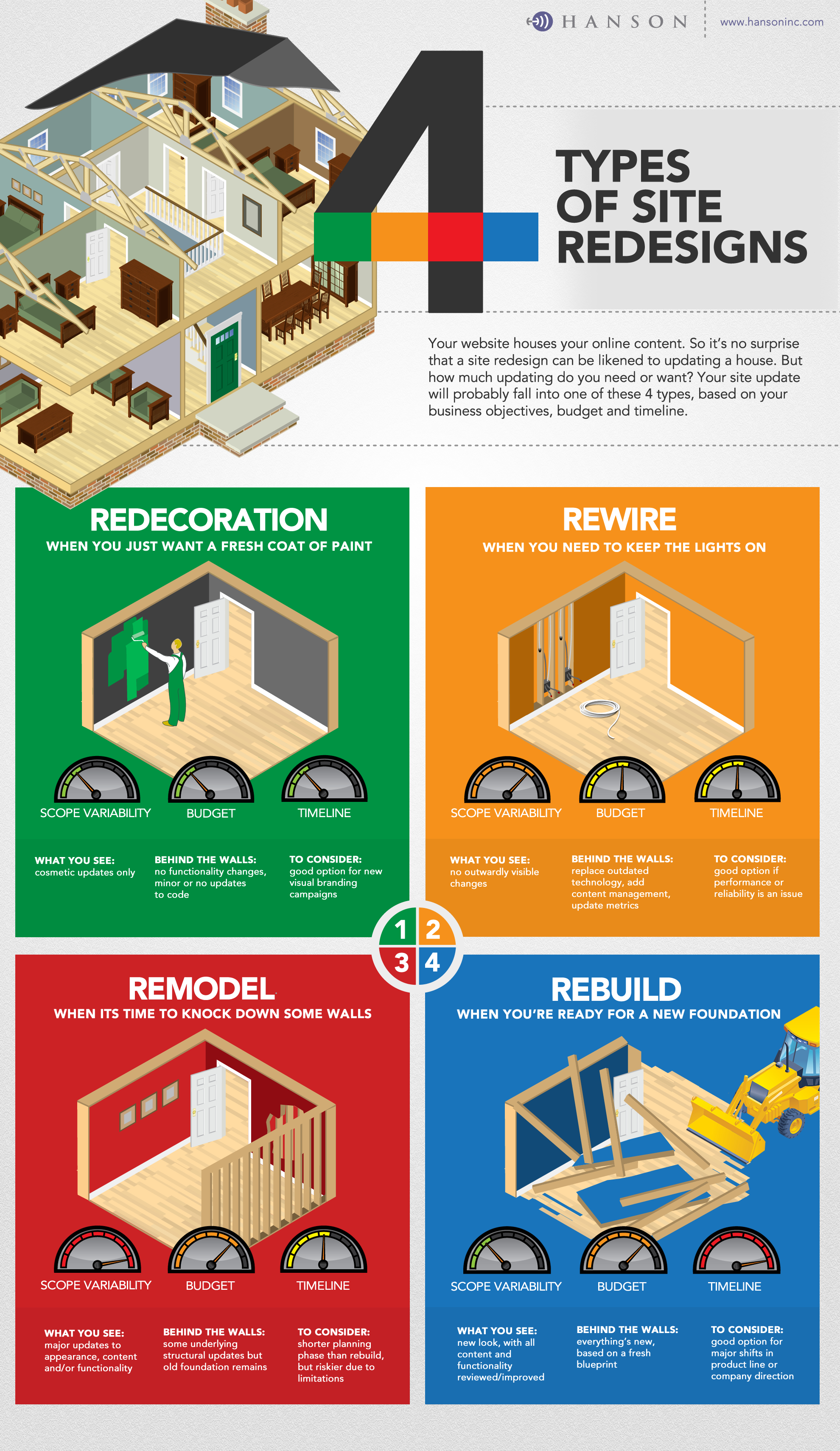
An infographic titled “4 Types of Site Redesigns” comparing approaches—Redecoration, Rewire, Remodel, and Rebuild—using house illustrations, with each section outlining scope, budget, timeline, and key considerations.
Infographic: 4 Types of Redesigns

When you think of a website redesign, what comes to mind? Is it a new look and feel only? Does it include updated functionality? What about backend updates? Where is the line between updating a site and starting over with a new one? Everyone seems to have their own definition.

How do you define a "website redesign"? This infographic from the team at Hanson Inc. helps you understand the differences between 4 main types of redesigns.

A stack of sealed cardboard moving boxes labeled “fragile” and “handle with care,” piled in a hallway alongside packing materials like bubble wrap and paper.
4 Reasons to Revise Your Content During a Redesign

Do you have dusty boxes in a closet or basement that you never unpacked last time you moved? You ran out of energy. Or you ran out of space. Maybe (gulp!) it’s been boxed up for decades and you just keep moving it with you. Now imagine that those boxes are the website content you haven’t updated in five years...

Mindy Withrow, Content Strategist at Hanson Inc., offers 4 reasons you should revise your content during a site redesign.

An illustration of a person writing with a pencil, with a thought bubble above their head showing a glowing light bulb to represent an idea or creativity.
5 Sources for Inspiring Interactive Design

Inspiration is a fickle beast. You never know when one unique sight or sound will touch off a spark of creativity. So when I’m starting a new interactive design project, I comb through these 5 sources of inspiration...

Joe Payton, a senior interactive designer at Hanson, shares 5 sources for inspiring interactive design.

A grid of colorful accessibility icons on a purple background, including symbols for hearing, visual impairment, audio description, sign language, mobility assistance, wheelchair access, closed captioning (CC), and accessibility help.
Designing for ADA Compliance

Designing for ADA compliance to meet web accessibility guidelines.