Digging Into Wordpress Gutenberg

Web development has evolved over the years and continues to change. The days of needing highly technical skills to build or update your website are a thing of the past. Content Management Systems (CMSs) have changed the way developers build, maintain, and even approach web development.
WordPress is a CMS platform that has revolutionized the way we deliver content to our web audience. It has been around for a long time, making its debut in May of 2003. The latest major release transformed the face of WordPress, introducing a block-based approach that aligns with Hanson’s overall focus on creating reusable modules that streamline the editing experience and provide content editors more control over the final layout. Users should be able to create rich content without a single line of code.
Gutenberg is WordPress’s new toolset that does exactly that!
Why Gutenberg
A major transformation was made to the editor making it module- or block-based. But, what exactly does that mean?
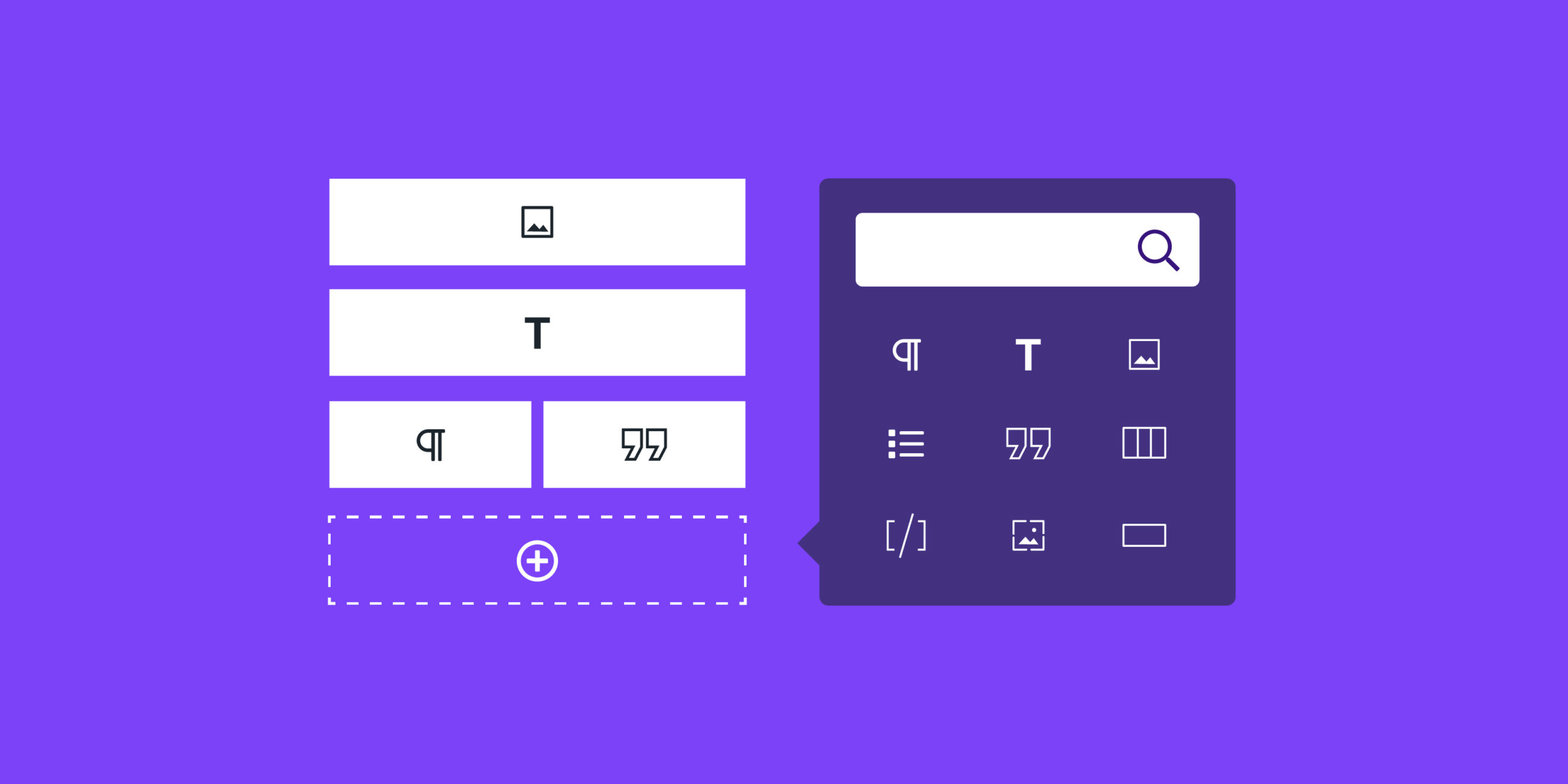
Older versions of WordPress structured content in terms of pages. If you wanted a new page, you would likely need a developer to create your template, or you were forced to use an existing template. Now, Gutenberg utilizes content as blocks or “distinct pieces of content” to create a “collection of meaningful elements.” You can rearrange block items, insert and delete block items, change settings on individual items, and reuse block items. Mixing and matching block items results in more unique and custom page layouts. The end result is that nearly everything on your site becomes a block and you should never need inline code to create beautiful, flexible layouts.
Out of the box, WordPress supports a wide array of common content types, from the very basic elements like paragraphs and lists, to media like images, image galleries, and video. You also have layout widgets for creating columns, tables, and visible separators, and even embedded content from popular platforms like YouTube, Vimeo, Instagram, and Issuu.
Web developers can create custom block types as well, giving editors even more control and flexibility when creating page layouts and integrating with your data and content.
Adding an Image Gallery
Look how easy it is to create an image gallery on a site using Gutenberg blocks. The standard Gallery block item allows you to choose any number of photos and display them in a gallery style layout.
Here’s how:
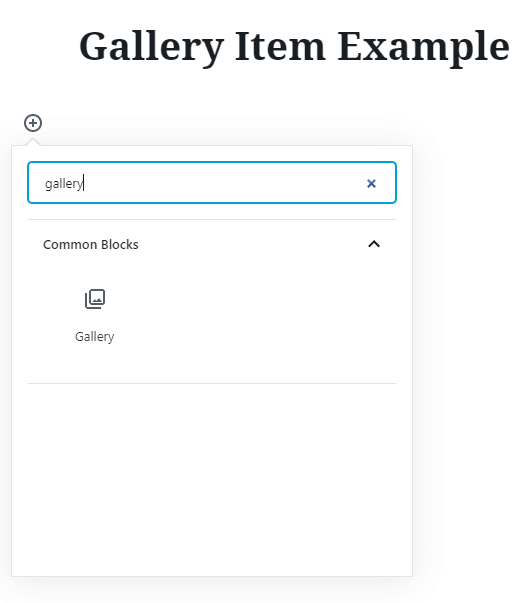
- Click the plus sign and select your block type.
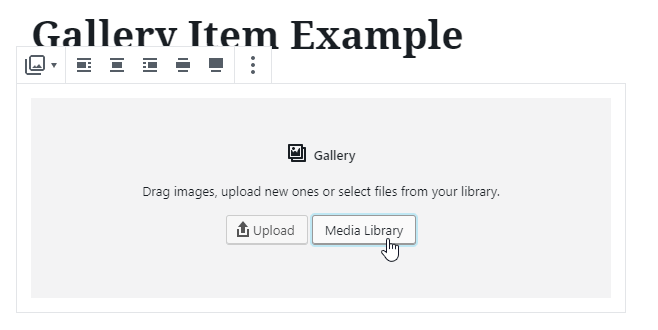
- Upload and/or choose your media items.
- Select the items you wish to insert and click the “Insert gallery” button.
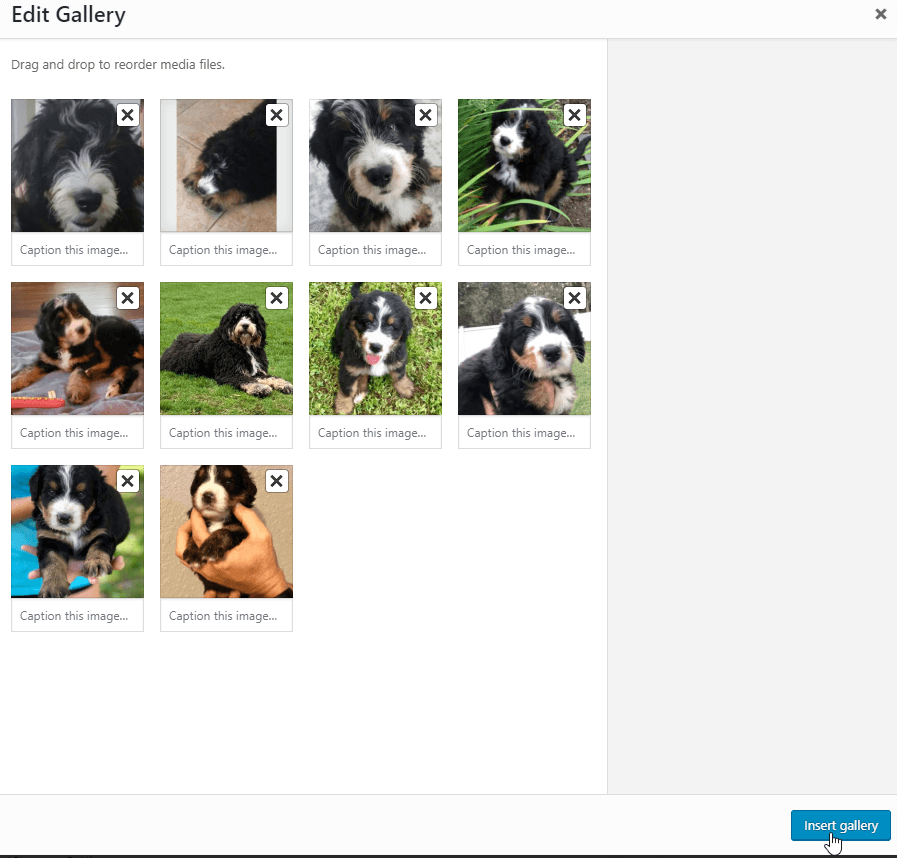
- Your gallery item is now part of your page content:
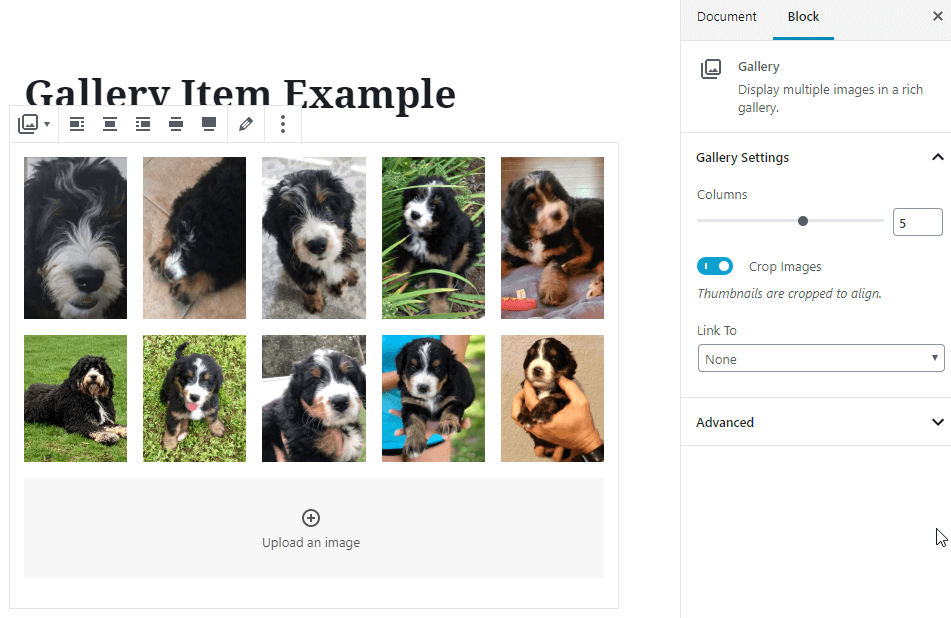
Notice the Gallery options in the sidebar as well. You can set the number of columns you would like to display, choose whether you want the images cropped, and even add links and captions to each picture.
Uploading Media and Adding Text
Another simple example is the Media & Text block. With just a few clicks, you can create a two column layout with rich text and media that stacks on smaller devices. Notice the browse to upload and content sections, as well as the block options on the right hand side.
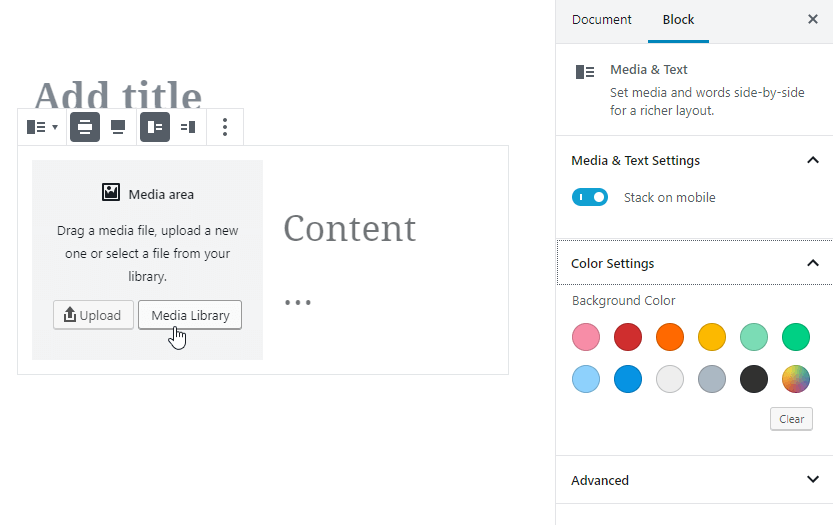
These examples only scratch the surface of what is possible with Gutenberg blocks!
Conclusion
Although the lengthy list of block types could feel overwhelming for some users, features like search and categorization help to quickly find the content you’re after. Hanson also offers comprehensive training sessions and guides to walk users through the editing process step by step.
In general, the interface is user friendly, consistent and very intuitive. One button gives you access to a library of features and the basic concept of all blocks is the same. To take the experience a step further, there are opportunities to make your editor more closely reflect your website. Styles that support the block layout display on your site can be pulled into the editor for a more realistic editing experience.
To summarize, Hanson is excited about the evolution of WordPress and feels the Gutenberg updates are a great step towards modernizing the CMS experience. It is a great tool that facilitates the creation of rich, easily managed sites for clients. Getting away from the rigid per-page template design gives editors more creative freedom and control over their content.